
Use cases
Four ways teams put
Four ways teams put
Sellora AI to work.
One fully autonomous Virtual SDR. Four ways to put it to work. Pick the one that matches where your pipeline is thinnest right now.
One fully autonomous Virtual SDR. Four ways to put it to work. Pick the one that matches where your pipeline is thinnest right now.
Expanding into Australia or New Zealand normally means legal review, a list-washing vendor, and a spreadsheet of calling hours. Sellora AI ships with that layer built in.
The problem is not the outreach, it is the paperwork. A new market means a new do-not-call register, new consent rules, new permitted calling hours, and new public holidays. Get any of it wrong and the fine is per call.
Most outbound tools were built for one market and leave the rest to you. So expansion stalls in legal, not in sales.
Choose a supported market and Sellora AI applies the available register washing, calling-window, holiday and per-campaign acknowledgement controls for that market. Your organisation remains responsible for lawful campaign configuration, required consents and local legal obligations.
Your team defines the market, objective and business rules. Sellora AI plans and runs the campaign inside the compliance controls that apply to that market.
Rules applied per market, before a single number is dialled
Teams selling into APAC who want a second market live this quarter, not next year.
See the full use caseThe fastest pipeline you will find this month is sitting in HubSpot or Salesforce, untouched since the rep who owned it left.
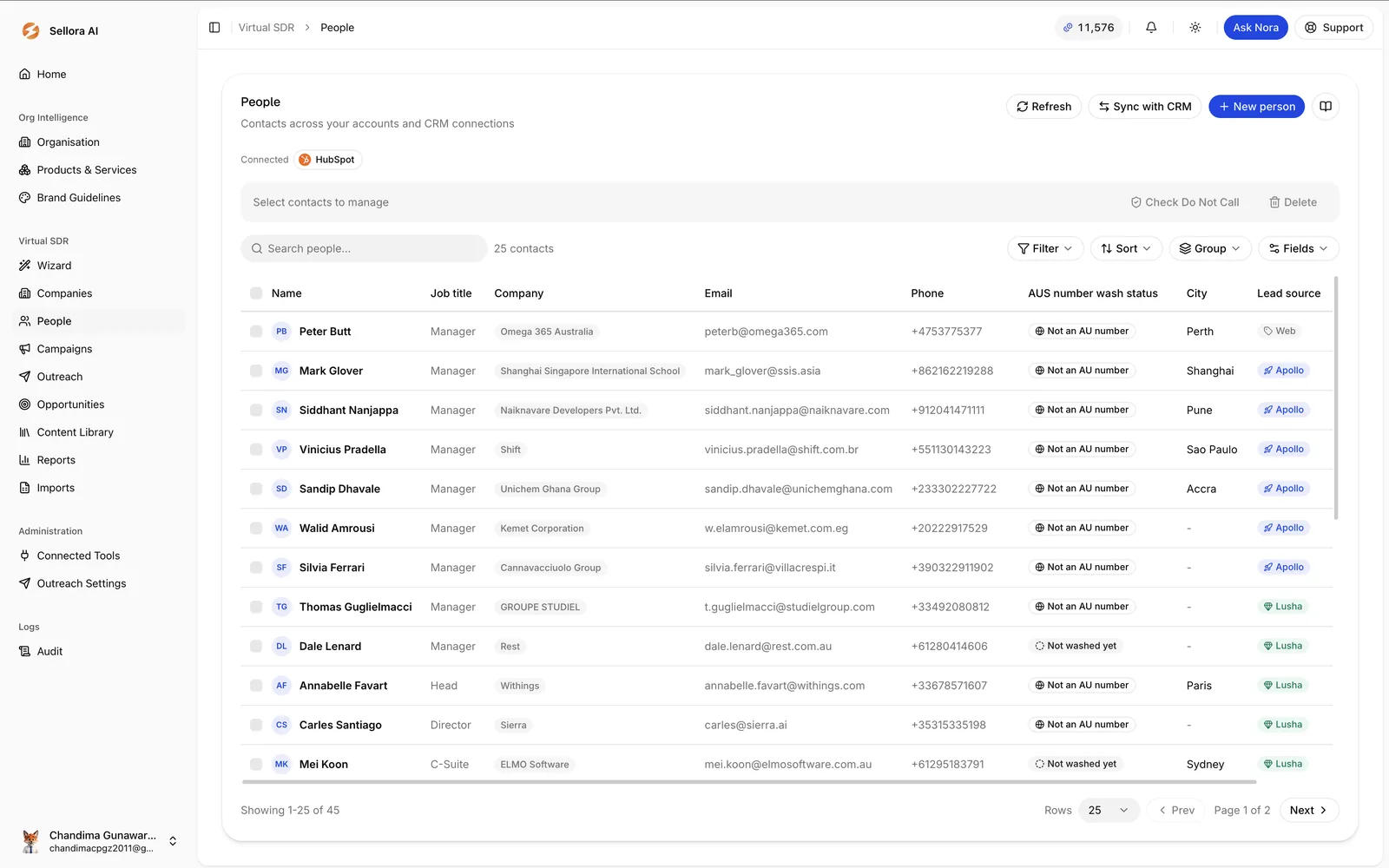
Every CRM has a graveyard. Contacts that went quiet, deals marked closed lost, leads from a campaign nobody followed up. They were qualified once. Nothing changed except that everyone got busy.
Working them manually is nobody's favourite task, so it never gets done.
Sellora AI syncs your CRM, picks up the dormant records and works them autonomously across the supported channels and campaign rules. No list to buy, no data to enrich, no new tooling to learn.
It is the shortest distance between signing up and a booked meeting.
Teams with a CRM older than a year and more records in it than anyone has worked.
See the full use caseMost AI outbound tools stop at email. Sellora AI makes the calls too, and holds the conversation when someone picks up.
Email alone is a slow way to reach a busy operations manager. The inbox is crowded, the reply rate is what it is, and the people you most want to speak to are the least likely to write back.
Phone still works. It is just the part nobody wants to do four hundred times.
Set the audience and objective. Sellora AI handles the prospecting, personalisation, email, live AI calling and follow-up without making your team build a complicated workflow.
When the call connects, the voice agent handles the conversation, works through the pushback, and books the meeting.
"It is, and I'll keep it to thirty seconds. You're hiring four maintenance techs, which usually means downtime is being managed manually. Is that where you're at?"
Revenue leaders whose target moved before the last hire finished ramping.
See the full use caseYou paid for the stand, the flights and the lanyards. The list gets worked for four days and then the next quarter starts.
Event lists decay faster than any other lead source. Interest is highest in the week after, and that is exactly the week your team is catching up on everything they missed while away.
By the time the list is loaded, the conversation has gone cold.
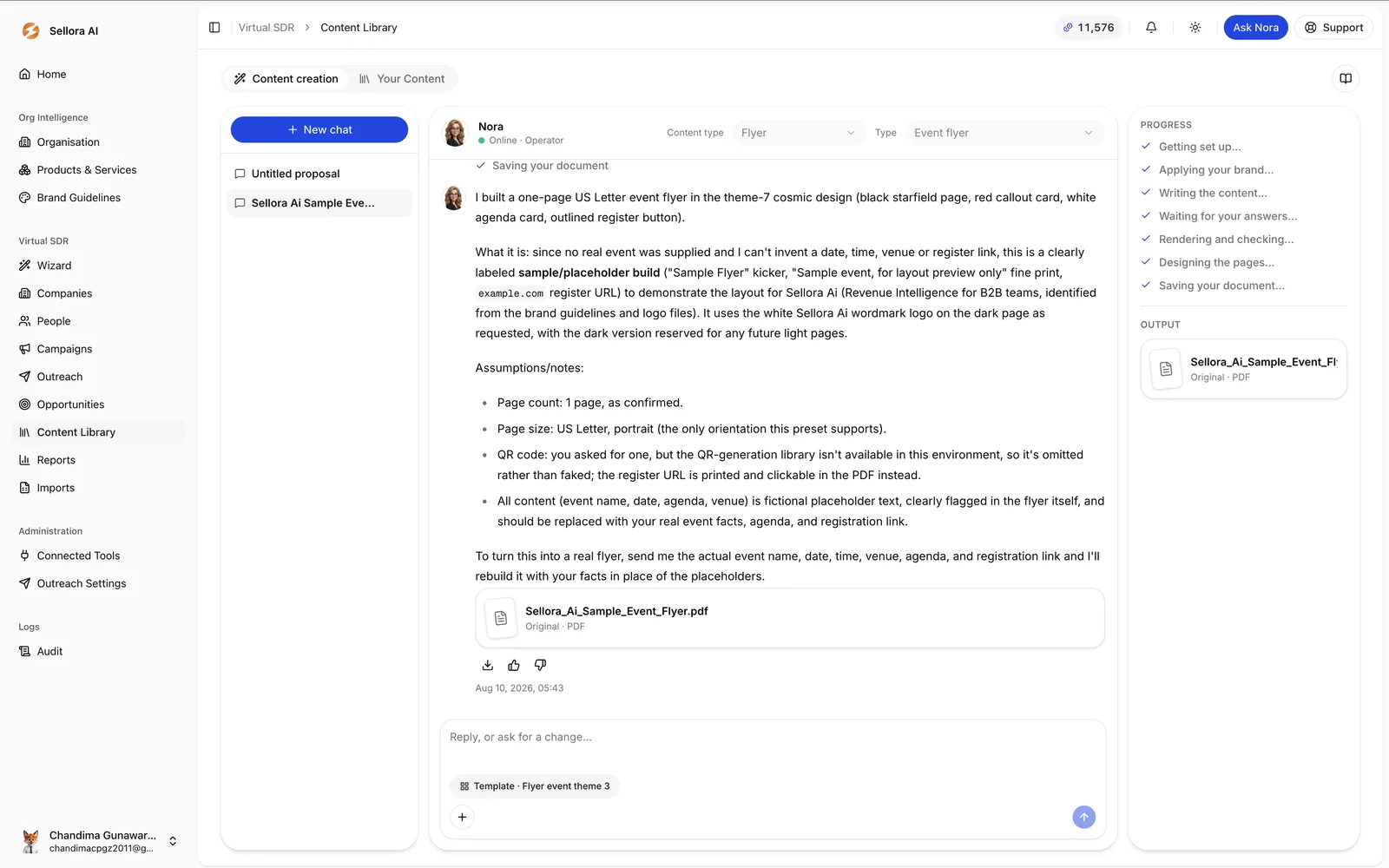
Import the scans, attach the deck you presented, and Sellora AI starts the follow-up while the event is still fresh and continues the SDR process until there is a qualified next step. Each message references what the person actually came to see.
It will also generate the leave-behind, on brand, from the same product context that drives the outreach.
Marketing and growth teams who would rather not lose a stand's worth of pipeline to a slow week.
See the full use caseTell us where the pipeline is thin and we will show you the shortest route to a booked meeting. Twenty minutes, no slides.
No card required · Set up in under 30 minutes · Cancel any time